Match the end that plugs into your phone
- Type-C to type C: USB-C phone, tablet or other USB-C device
- Type-C to Lightning: compatible Apple device with a Lightning port
- Check case clearance and connector orientation before routing the coil
Tesery Official Store
Couldn't load pickup availability
Coiled charging + data cable for Tesla cabins
This retracting braided cable extends when you need to charge or sync a device, then gathers back toward the console instead of lying in a long loop. Choose the device connector that matches your phone and verify the Tesla-side port before ordering.

The product in five points
Check both ends before ordering
The live selector names Type-C to type C and Type-C to Lighting (iPhone). Product images and historical copy use more general USB-A/USB-C wording, so inspect the plug shape and your console port before purchase. A separate adapter may be required for a different port.

A shorter reach when you need it
A coiled lead is useful for a phone on the center console or a nearby mount, especially when more than one occupant may need access. It is not a substitute for a certified high-power charger or a long extension cable.
The current product FAQ states that the Lightning cable is not MFi certified. Compatibility and charging behavior can vary by Apple device, case and software; do not present this cable as Apple-certified.
Plug in, then test the connection
The listing’s “up to 27W” figure is a maximum claim for supported conditions. Your vehicle port, device protocol, battery level, cable variant and adapter determine the actual rate.
Product facts
| Item | Current product information |
|---|---|
| Product type | Coiled charging and data cable for compatible Tesla USB ports |
| Style options | Type-C to type C; Type-C to Lighting (iPhone) |
| Charging claim | Up to 27W listed maximum; actual output depends on source, device, protocol and adapter |
| Data transfer | Standard USB 2.0 listed; not a high-speed USB 3 cable |
| Construction | Woven braided exterior with zinc-alloy connector housings, as described in the listing |
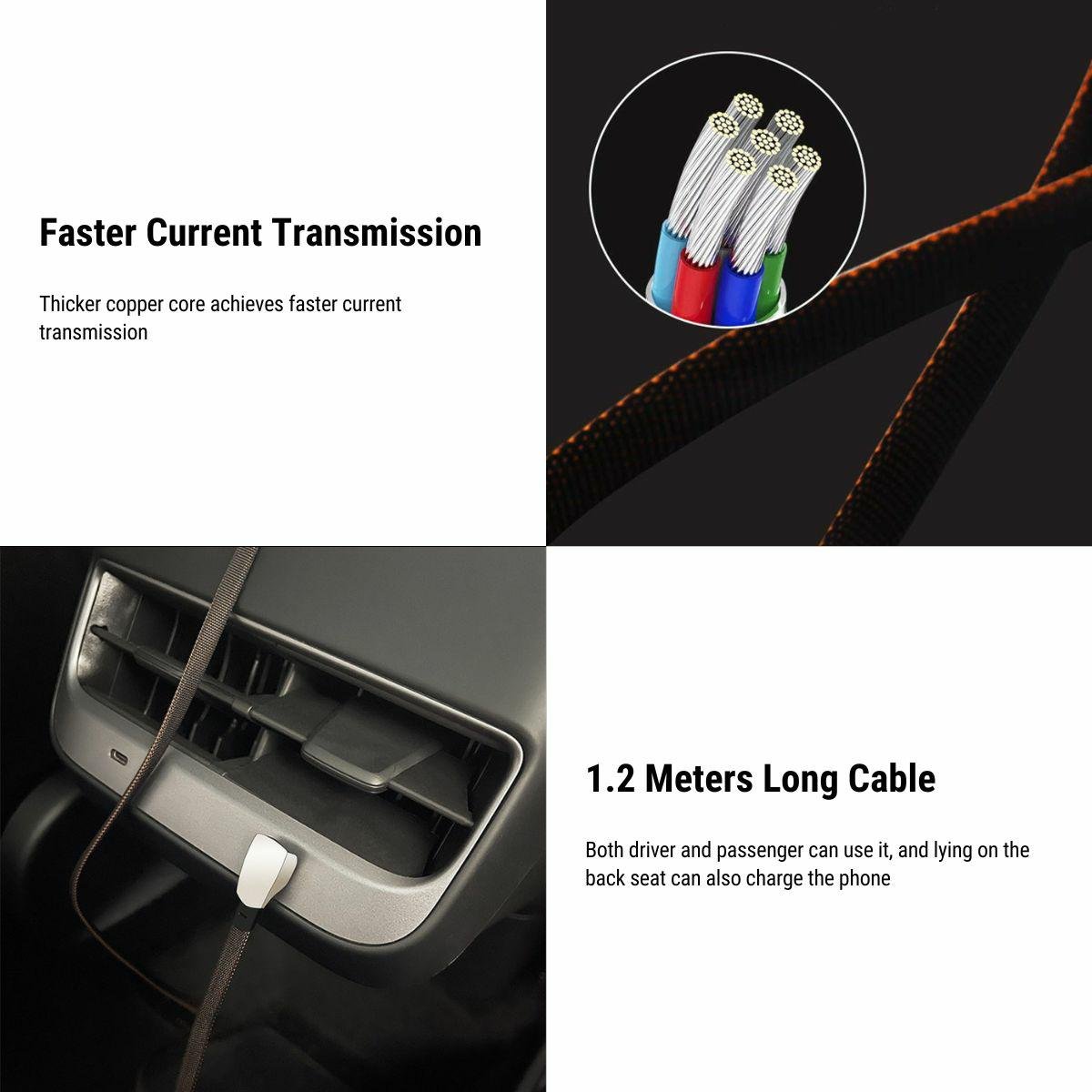
| Length | Coiled design shown. The current listing contains conflicting length references (1.2 m in imagery and up to 1.8 m in copy); verify the shipped specification before publishing a fixed length. |
| Vehicle compatibility | Marketed for Tesla Model 3, Model Y, Model S and Model X with a compatible USB port; verify port type by vehicle |
| Package | 1 × TESERY quick charging coiled data cable in the selected connector style |
| Certification | Lightning version is stated as not MFi-certified |
Before you order
Choose Type-C to type C for a device with a USB-C port, or Type-C to Lighting (iPhone) for a device with a Lightning port. Confirm the Tesla-side port separately.
It is marketed for Model 3, Model Y, Model S and Model X with compatible USB ports. Port type, console hardware and power output vary by model year and configuration, so verify your actual port before ordering.
Up to 27W is the listing’s maximum claim, not a guaranteed rate for every device. The vehicle port, device protocol, battery state, cable style and any adapter determine the result.
The listing describes standard USB 2.0 data transfer. It can support ordinary sync where the vehicle, device and software accept that connection, but it is not a USB 3/high-speed data cable.
No. The current FAQ states that the Lightning version is not MFi certified. Do not treat it as Apple-certified hardware.
The current listing is inconsistent: one image references 1.2 m while the written copy says up to 1.8 m. Because those sources conflict, confirm the shipped specification before relying on a fixed length.
Case thickness and connector cut-out depth can prevent a full connection or add strain. Test the plug with your intended case and stop if it does not seat fully.
Check that the coil is not stretched tight, both plugs are fully seated and the route does not pull on a connector. Test without an adapter or case to isolate the cause.
One coiled TESERY charging/data cable in the selected Type-C or Lightning device-connector style. A separate adapter is not stated as included.
Test the connector and port fit before routing it permanently. Review the current refund policy for eligibility of opened or used cables.